


Digital dentistry with MODE.
From implant planning to restorative design: discover exoplan, DentalCAD and ChairsideCAD, and the M-Guide system that connects digital planning with guided surgery.
 Implant planning
exoplan
Plan the implant. Design the surgical guide.
Combine CBCT imaging and surface scans for prosthetically driven implant planning. With the Guide Creator add-on, the plan becomes the basis for a surgical guide.
Explore exoplanTwo guide options. One planning environment.
The MODE brochure presents sleeve-based and sleeveless M-Guide workflows, with libraries for planning in exoplan.
A metal sleeve provides a rigid guiding surface for the drill. The sleeve, drill and implant components are considered together in the digital plan.
Designed without a separate metal sleeve, reducing the number of components and manufacturing steps. This approach may also help where interdental space is limited.
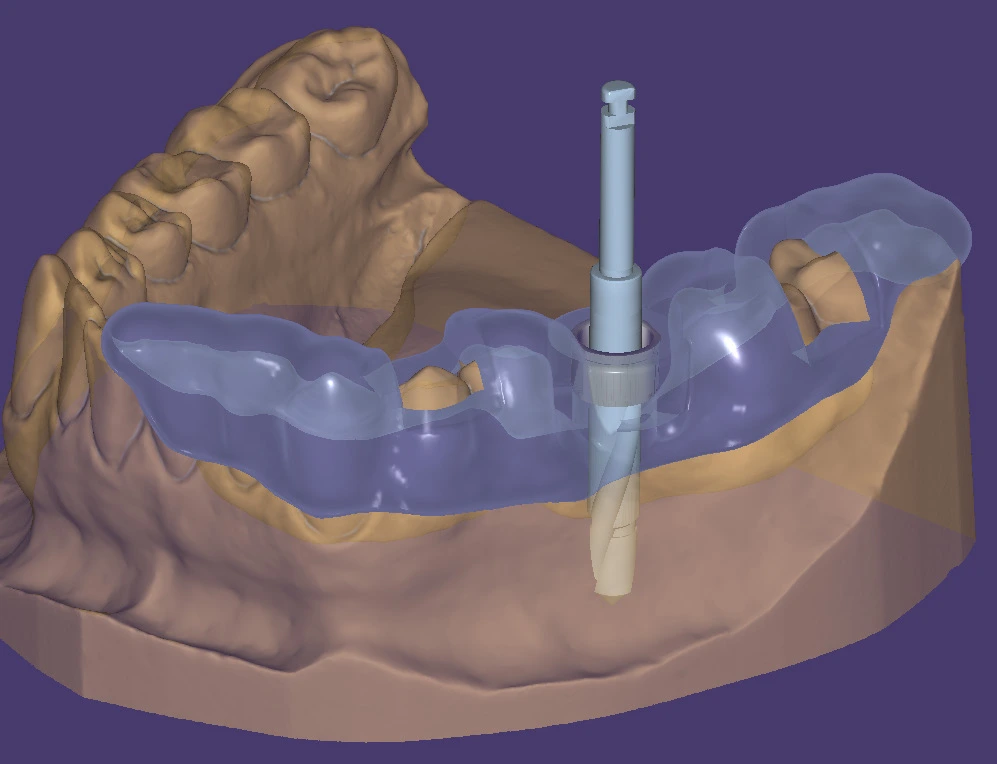
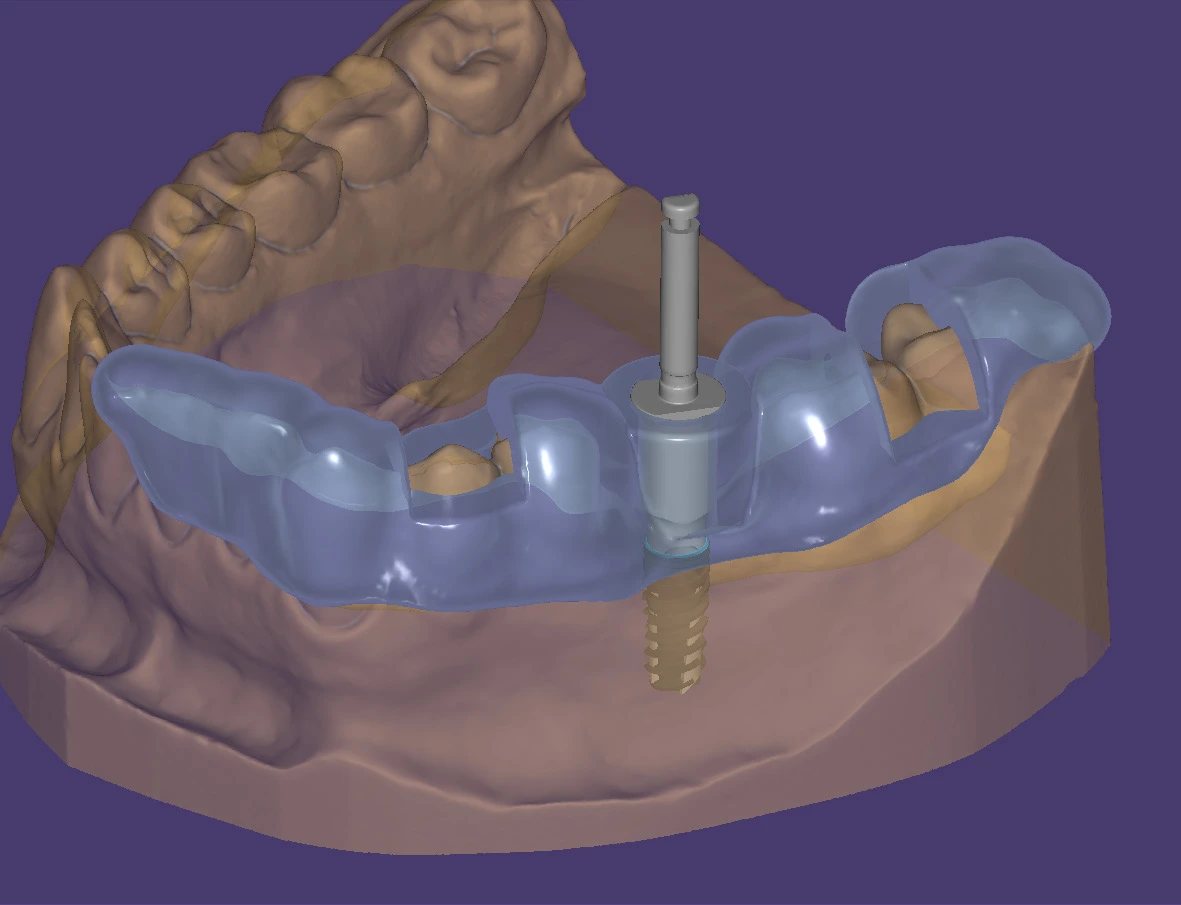
- PlanningCBCT and surface-scan alignment
- Guide designGuide Creator add-on module
- MODE connectionM-Guide libraries for exoplan
 For dental laboratories
DentalCAD
From a single crown to complex restorations.
DentalCAD is exocad’s restorative design software for the laboratory. Guided workflows and expert tools support a wide range of indications, with open tooth and material libraries.
Explore DentalCAD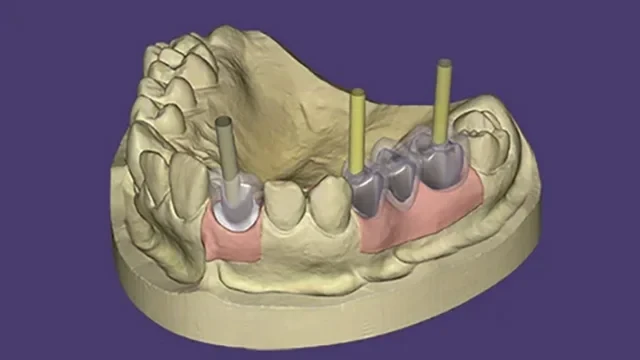
Core indications
Crowns & bridges
Inlays, onlays & veneers
Copings & frameworks
Extend your workflow
Implant restorations & bars
Bite splints & dentures
Digital models & smile design
Open production
Work with compatible scanners, milling machines and 3D printers. Select add-on modules to match your laboratory’s work.
Extended indications require the corresponding add-on modules. Module availability depends on the selected configuration.
For dental practices
ChairsideCAD
Restorative design, in your practice.
ChairsideCAD brings a guided CAD workflow into the clinical environment. Start with an intraoral scan, refine a restoration proposal and prepare the design for production.
Its open architecture supports compatible scanners and manufacturing systems. Use dentalshare to collaborate with a laboratory when a case is produced outside your practice.
Explore ChairsideCAD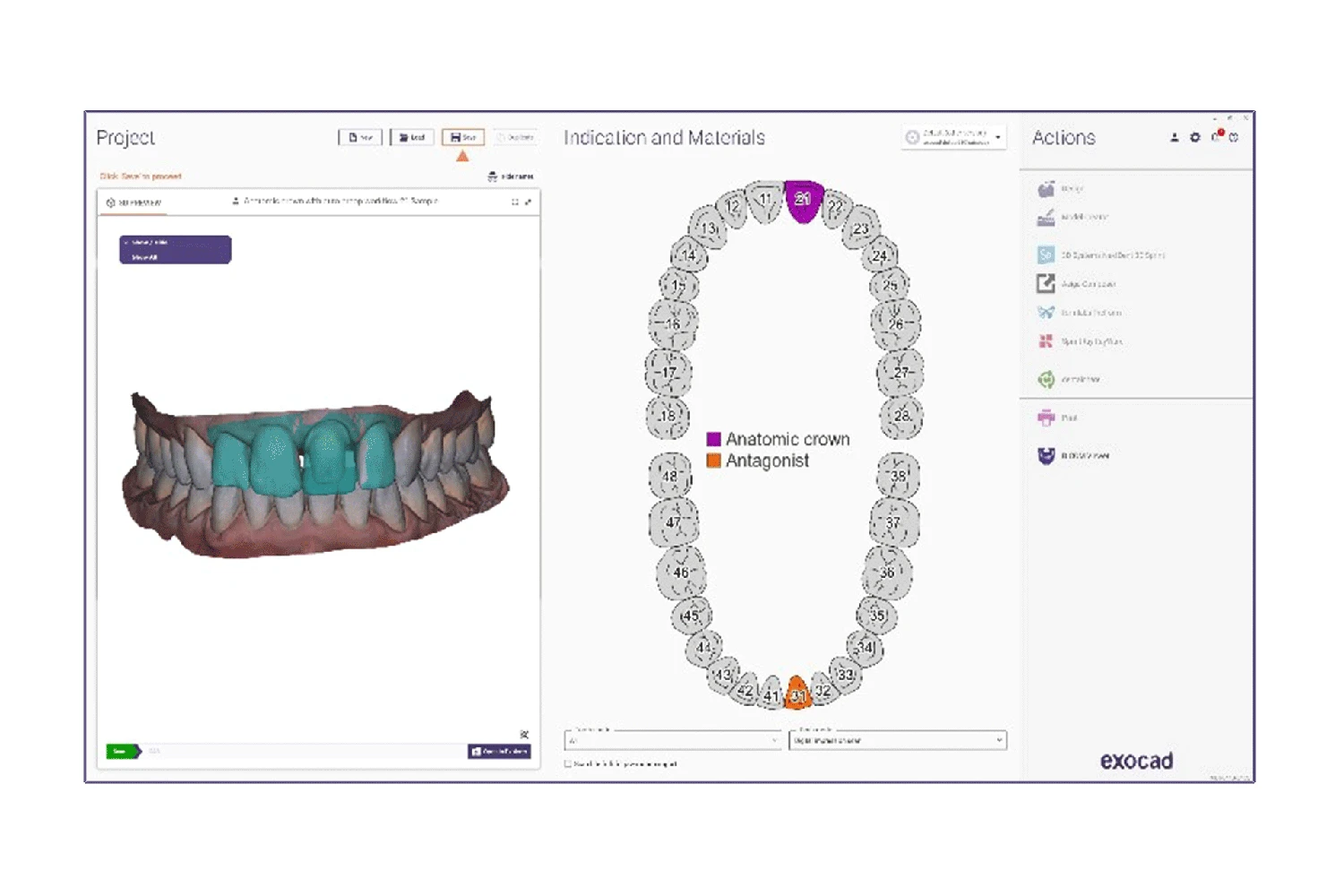
- Import the scan
Use data from a compatible intraoral scanner.
- Design the restoration
Follow the wizard and refine the proposed design.
- Prepare for production
Connect to your production workflow or laboratory.
MODE guided surgery
M-Guide
Exactly as planned.
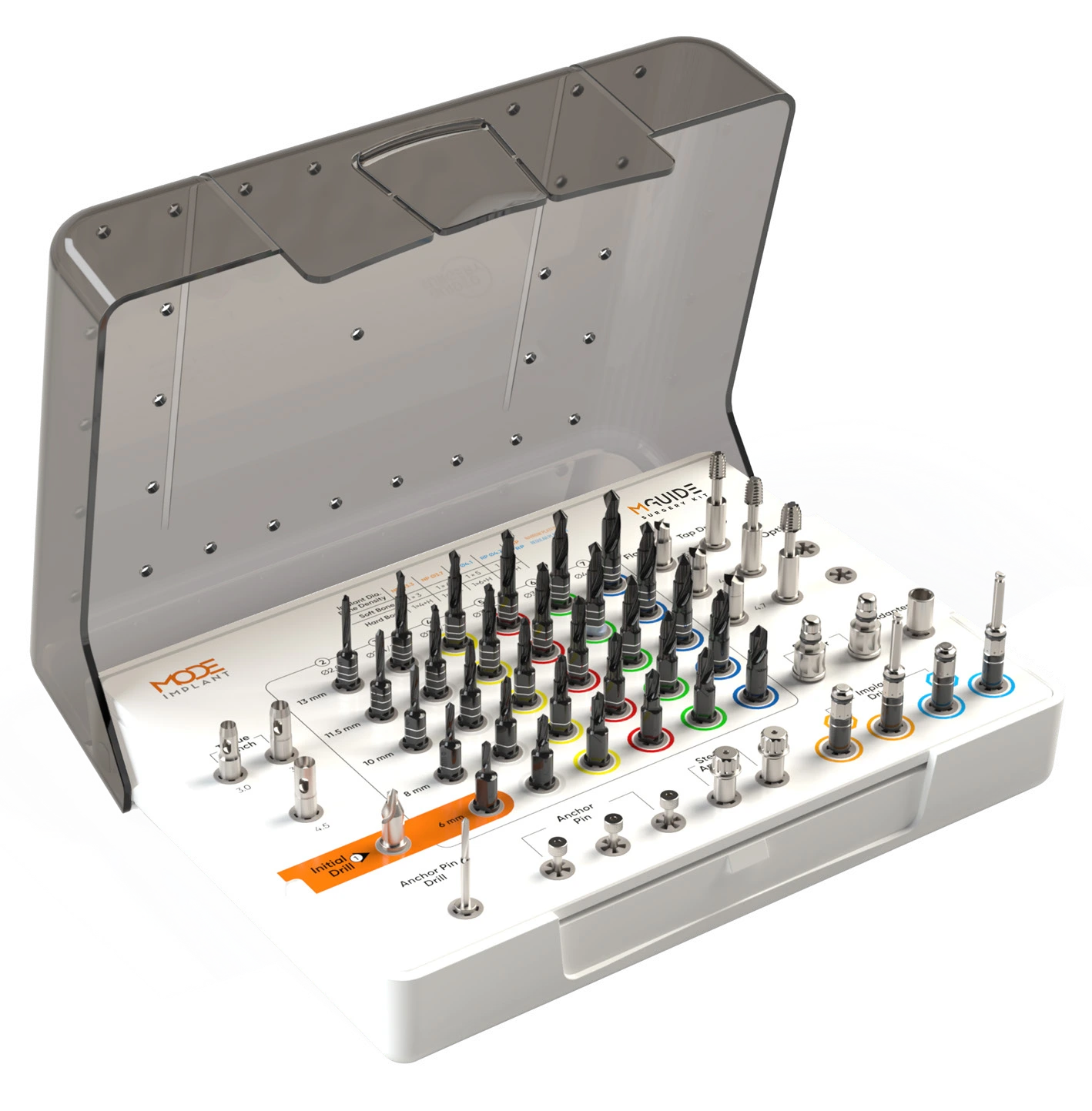
A universal guided surgery kit for flap and flapless implant placement. M-Guide libraries support planning with exoplan and other compatible guide-design platforms.
The system brings together single-stop drills, guide stabilization components and sleeve-based or sleeveless workflows.
View the MODE brochure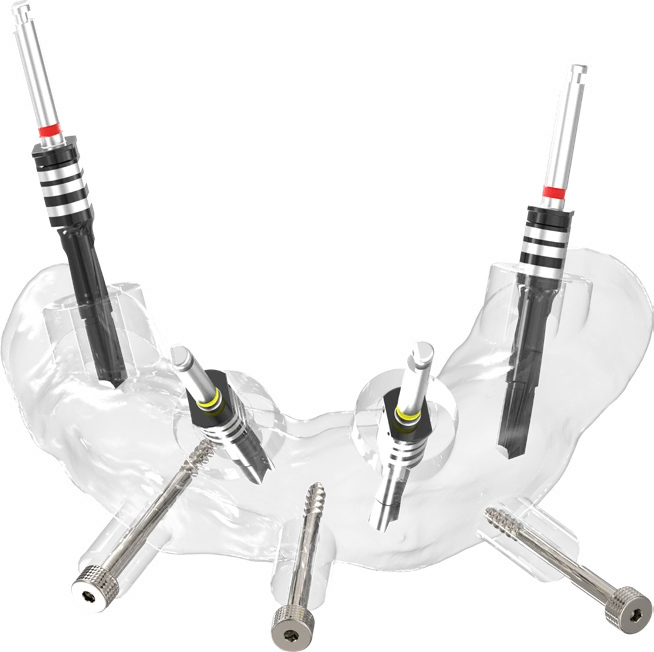
Inside the system
Select an instrument to explore its role.
Guided osteotomy
Single-stop drills with depth stoppers for a step-by-step osteotomy sequence.
- 7 mm guide surface
- Irrigation channels at the guide interface
- DLC coating
Crestal ridge preparation
Prepares a flat platform on the crestal ridge to support access for the placement of prosthetic components.
- Flat platform preparation
- Access to the implant platform
Guide stabilization
Stabilizes the surgical guide on the jawbone during the procedure. Threads at the tip provide anchorage in bone.
- Bone anchorage
- Stabilization during the procedure
Additional guide anchorage
Provides additional anchorage by screwing into the placed implant through the surgical guide.
- Implant-based anchorage
- Placement through the guide
A rigid guiding interface
Provides a metal guiding surface to maintain the drill path and help limit wear on the surgical guide.
- Metal guiding surface
- For the sleeve-based workflow
Take a closer look.
Explore the guide systems and instrument details in the MODE exocad brochure.
exoplan & M-GuideMODE product brochure · English · 917 KB MODE libraries for exocadDentalCAD, ChairsideCAD, Model Creator and exoplan · Download centerPlanning your digital workflow?
Contact our team about M-Guide, digital libraries and your next steps.
Contact MODESoftware, modules and availability
Guide Creator is an add-on for exoplan. DentalCAD and ChairsideCAD functions depend on the licensed modules. exoplan and ChairsideCAD availability varies by market; for available configurations and licensing options, contact us.
Libraries and component selection
The MODE brochure describes M-Guide library compatibility with exoplan, RealGUIDE and Atomica. Confirm the current library, implant and instrument configuration with MODE for the intended workflow.
M-Guide images and specifications: MODE Implant, 2026 English brochure. Software images and information: exocad GmbH. exocad and the software product names are trademarks of exocad GmbH.